

AI-generated scoring that brings your best-fit government opportunities to the top.
Contractors don’t need to sort through thousands of listings to find the right fit. GovFind’s Match AI filters your results based on what actually matters to your business. Using your company profile, it scores each contract and grant based on five core criteria.
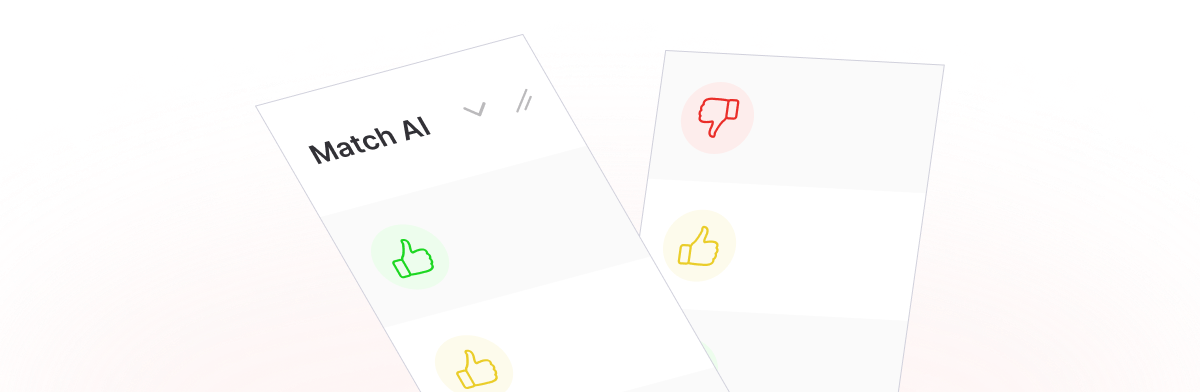
The Match AI column appears throughout GovFind,
whether you’re browsing federal contracts or state-level grants. Each score is based on:
The more boxes a contract or grant ticks, the better the match score.
GovFind’s colored thumb indicator lets you assess the relevance of every contract or grant instantly.

Green Thumbs Up
Strong Fit

Yellow Thumbs Up
Good Fit

Orange Thumbs Down
Weak Fit

Red Thumbs Down
Not Recommended
This quick-view tool helps contractors avoid wasting time on bids that don’t fit and focus on what aligns with their strategy.
The company profile sets the foundation. Once filled out by your team admin, GovFind starts matching live contracts and grants to your business profile. Match AI works behind the scenes, scoring each listing based on your predefined preferences.
You’ll see the Match AI column next to each listing, guiding your team to smarter decisions, faster.

Government contractors searching for opportunities that match their size and industry

Grant seekers filtering by eligibility, budget, and location

Teams making data-informed decisions based on real-time, AI-backed scoring